Where every product story starts.
Show every product in every color and variant, in scenes and on video, on your product pages, in your ads and in your store. All from the photos you already have.Show shoppers any piece in the fabric they picked, in a room like theirs, on your site and on the sales floor. All from the photos you already have.
Show the whole line in every color and variant, in scenes and on video, for your own site and stores, your wholesale accounts and your reps. All from the photos you already have.Show the whole line in every fabric and finish, in rooms and on video, for your site and stores, your dealers and your reps. All from the photos you already have.
Show the whole line in every color and variant, in scenes and on video, for your own site, your wholesale accounts and your reps. All from the photos you already have.Show the whole line in every fabric and finish, in rooms and on video, for your site, your dealers and your reps. All from the photos you already have.
Show the client before it exists: the piece in the fabric and finish they chose, the room at its real size, and one link they can approve.
Steps in grey live in Plunk Commerce. Pick a step to jump to it.
Studio covers the middle of the job. The brief and the order stay with you. See Plunk for designers →
Works with Shopify. Approve a picture and it goes to the right product and variant, with alt text, on your Shopify product pages.
Plunk for Shopify →Lay out the client's room, then see it rendered.
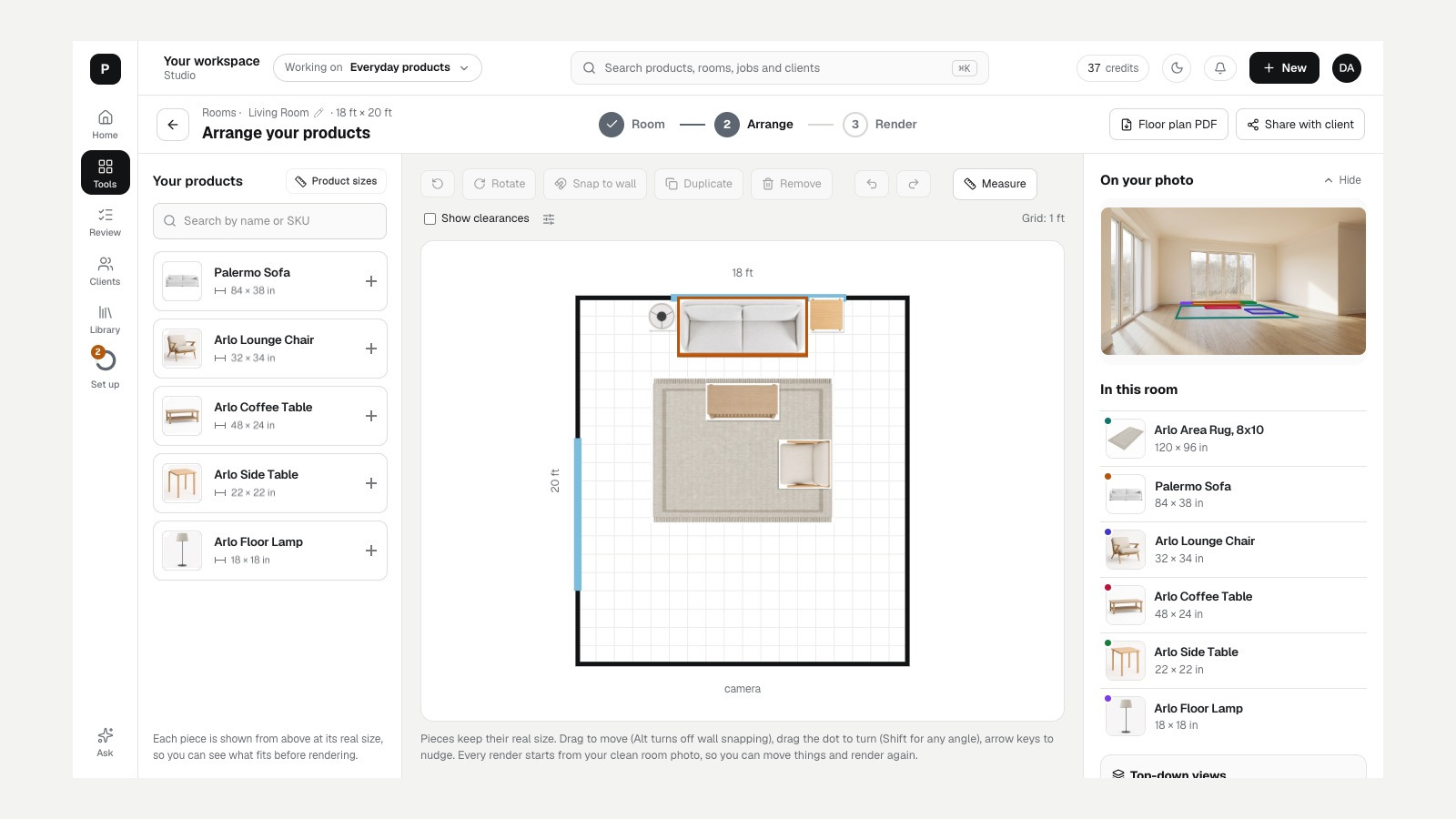
Draw the room on a floor plan, place pieces from the catalog at their real size, then render the room once as a photo-real scene.
Interior designersCheck the fit before the presentation, not after the delivery.

Every product in every option, no photo shoot.Every product in every fabric and finish, no photo shoot.
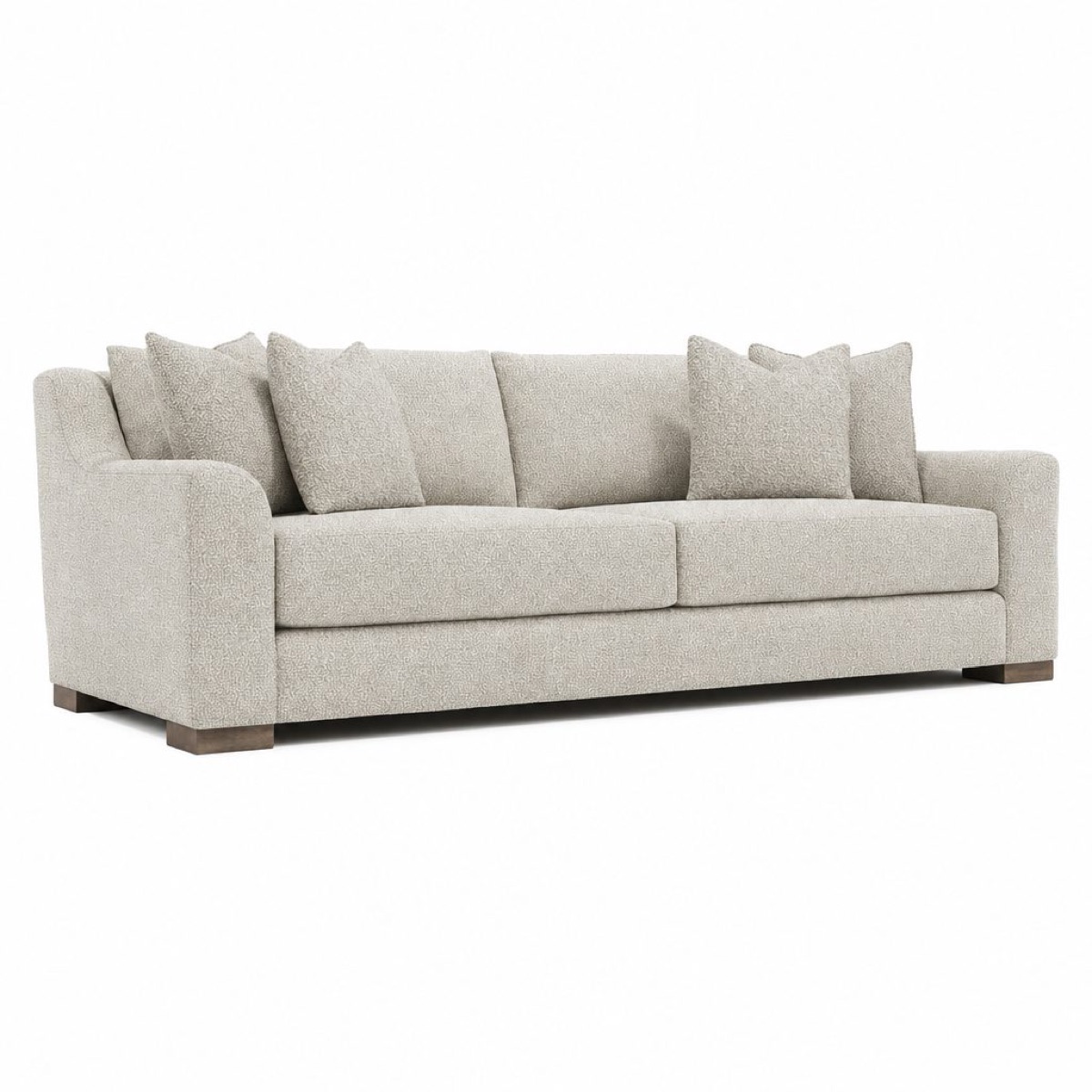
Start from the photos you already have. Put any color, material or texture on a product, one at a time or across the catalog.Start from the photos you already have. Put any fabric, leather or finish from your library on a piece, one at a time or across the catalog.Start from the photos you already have. Show every style in every color, one at a time or across the catalog.Start from the photos you already have. Show every product in every shade and size, one at a time or across the catalog.Start from the photos you already have. Show every piece in every metal tone, one at a time or across the catalog.
WholesaleShow your accounts and reps options you have never photographed.Show dealers and reps options you have never photographed.
RetailShow shoppers every option on your product pages, without shooting each one.Show the shopper the exact fabric they picked.
Wholesale and retailEvery option for your own shoppers, and for every account that carries you.Every fabric for your own shoppers, and for every dealer that carries you.
Interior designersPut the client's own fabric or leather on the piece before anyone orders it.
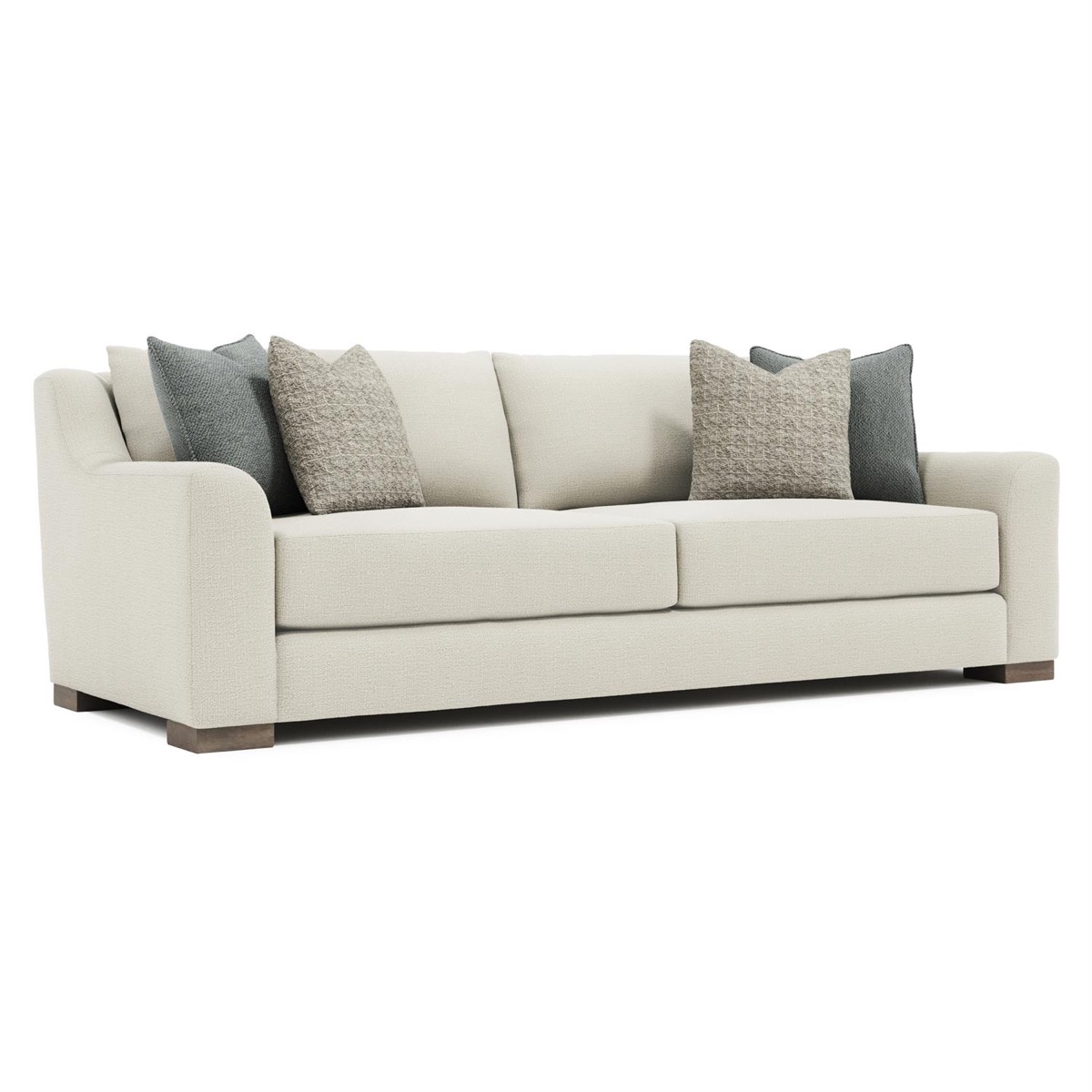 Original photo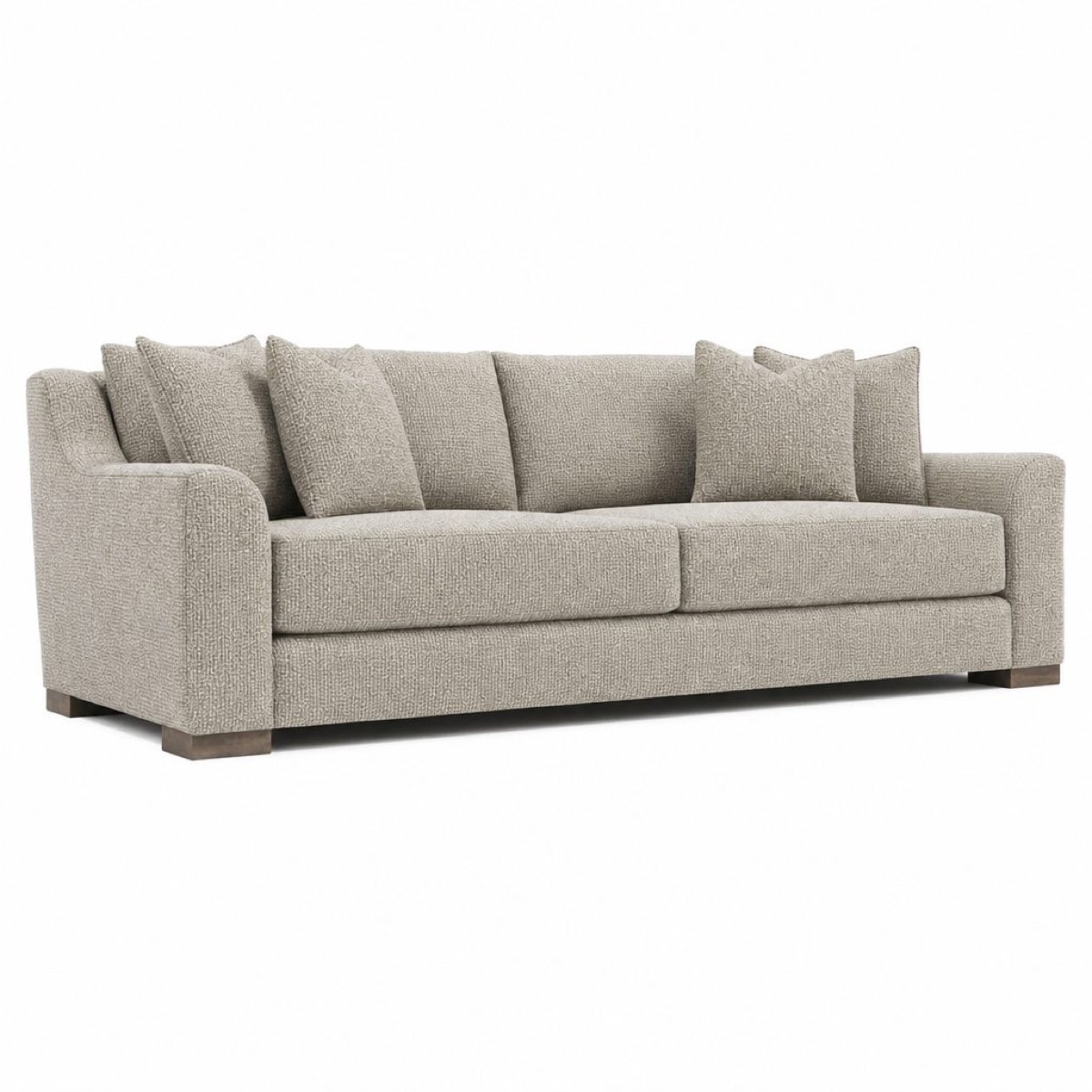
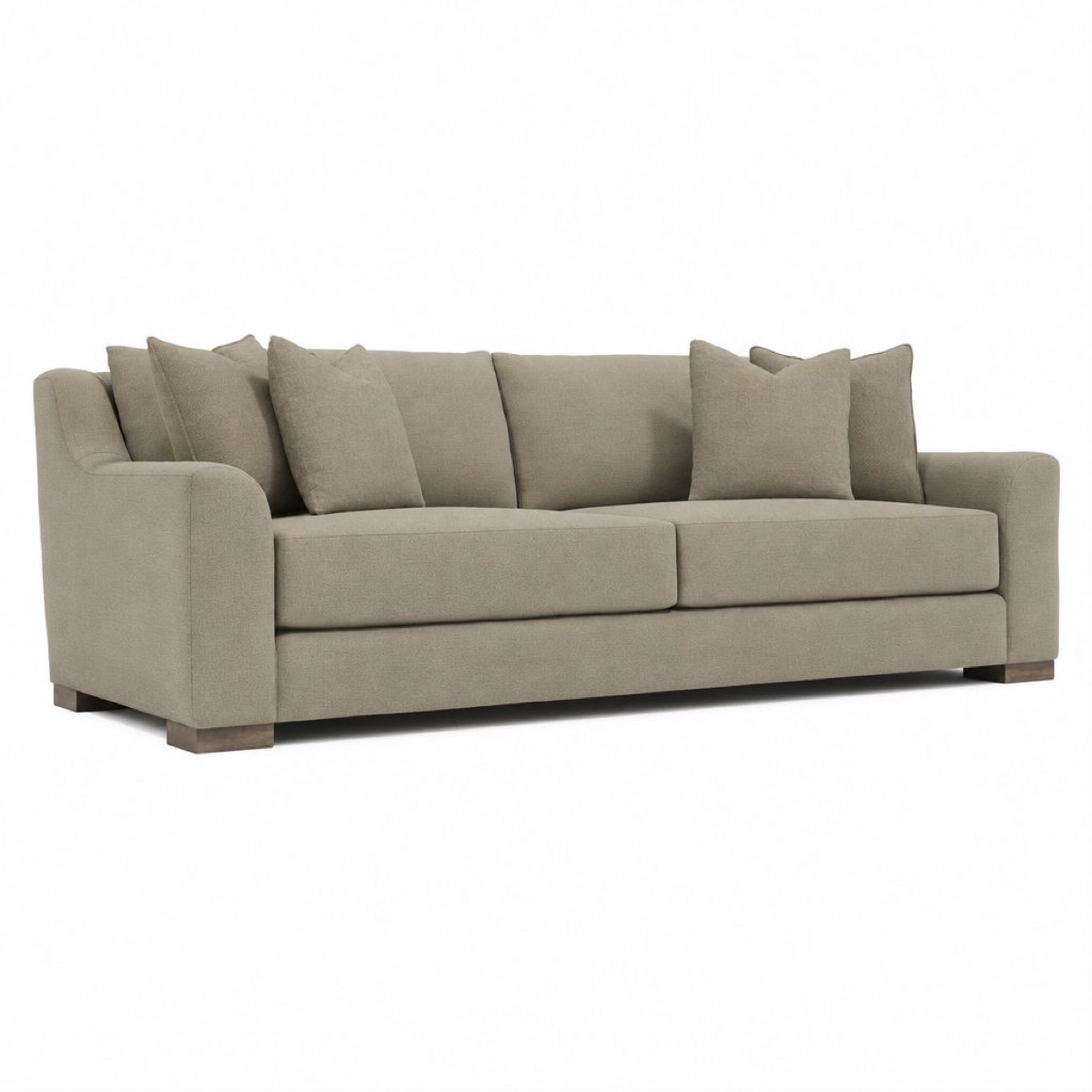
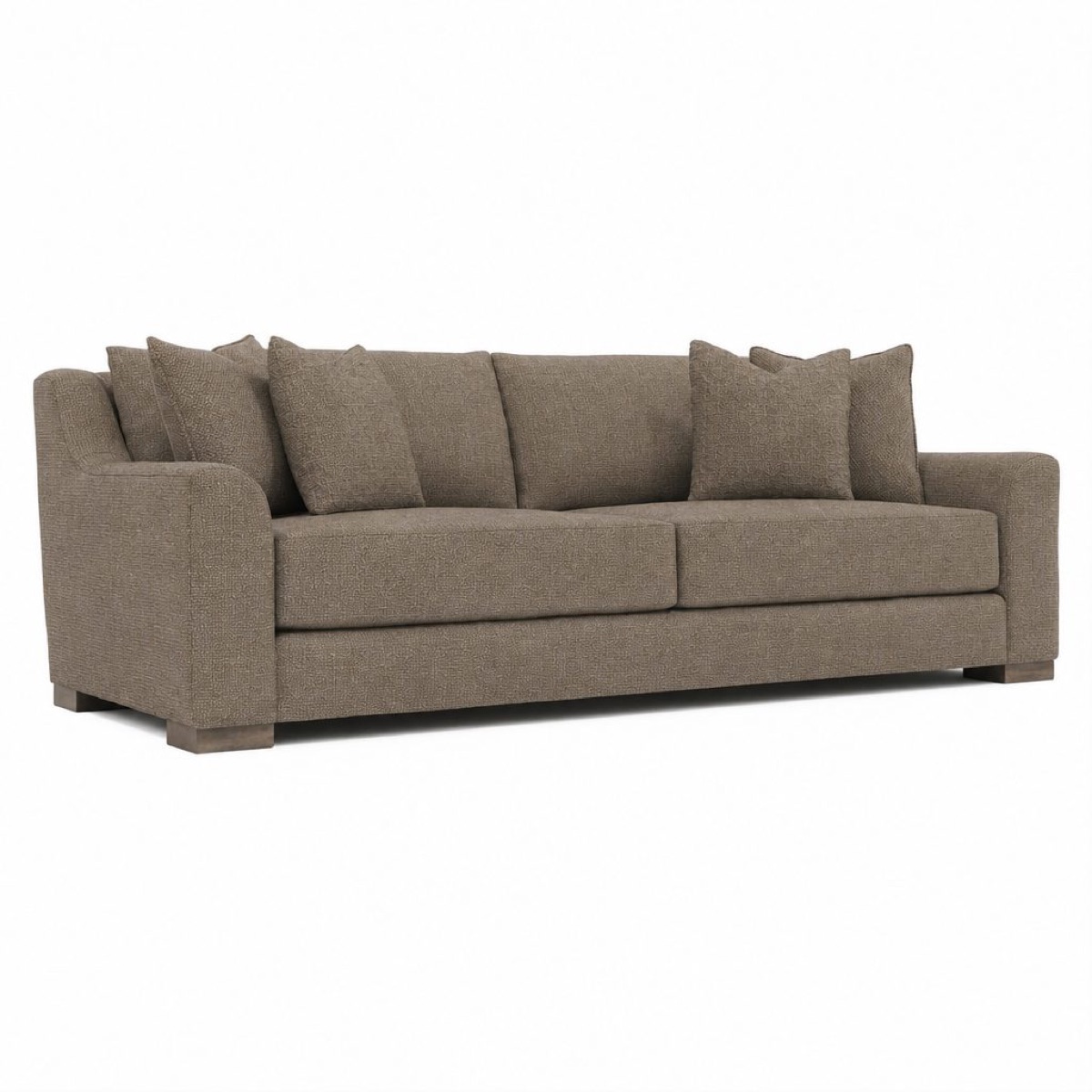
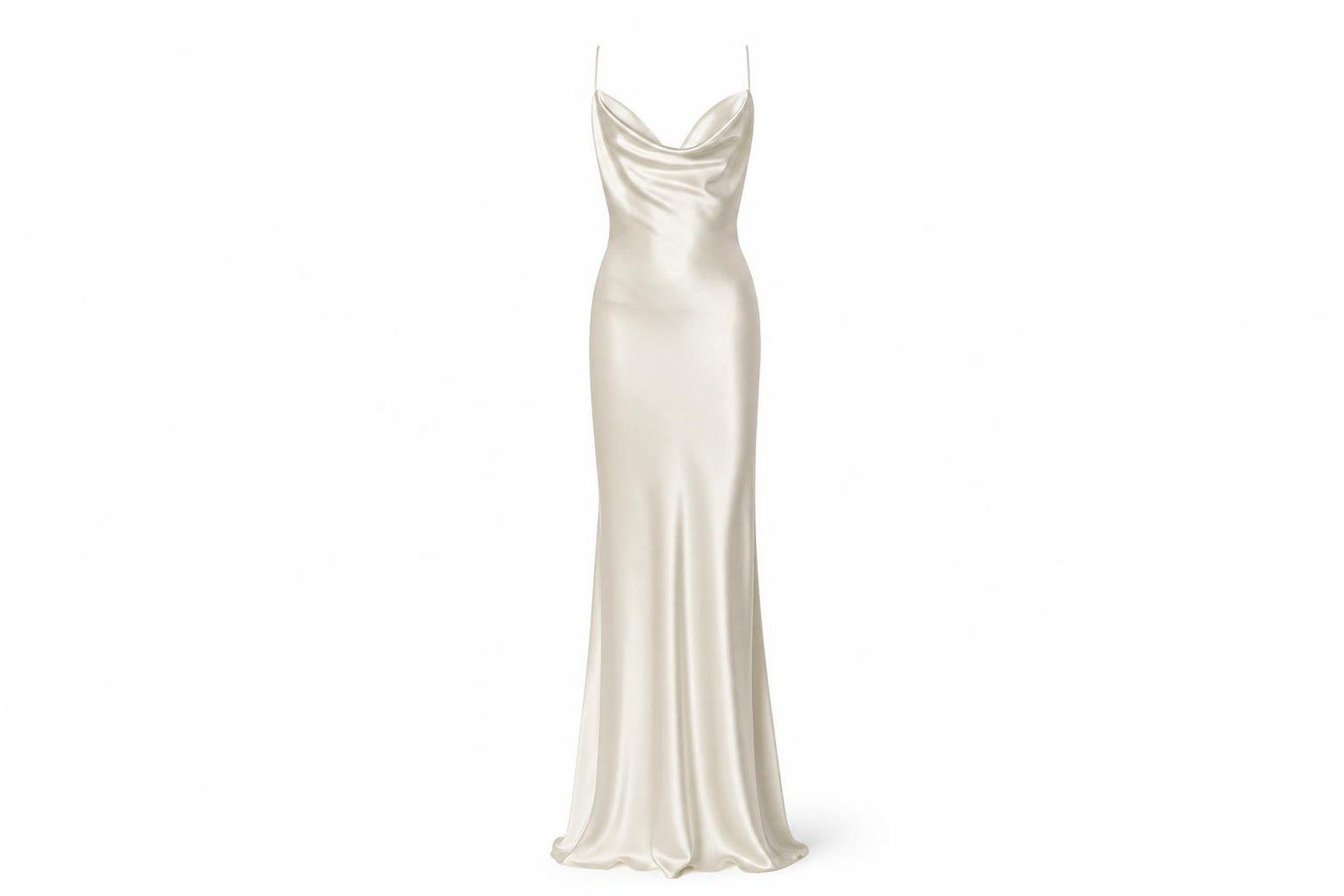 Original photo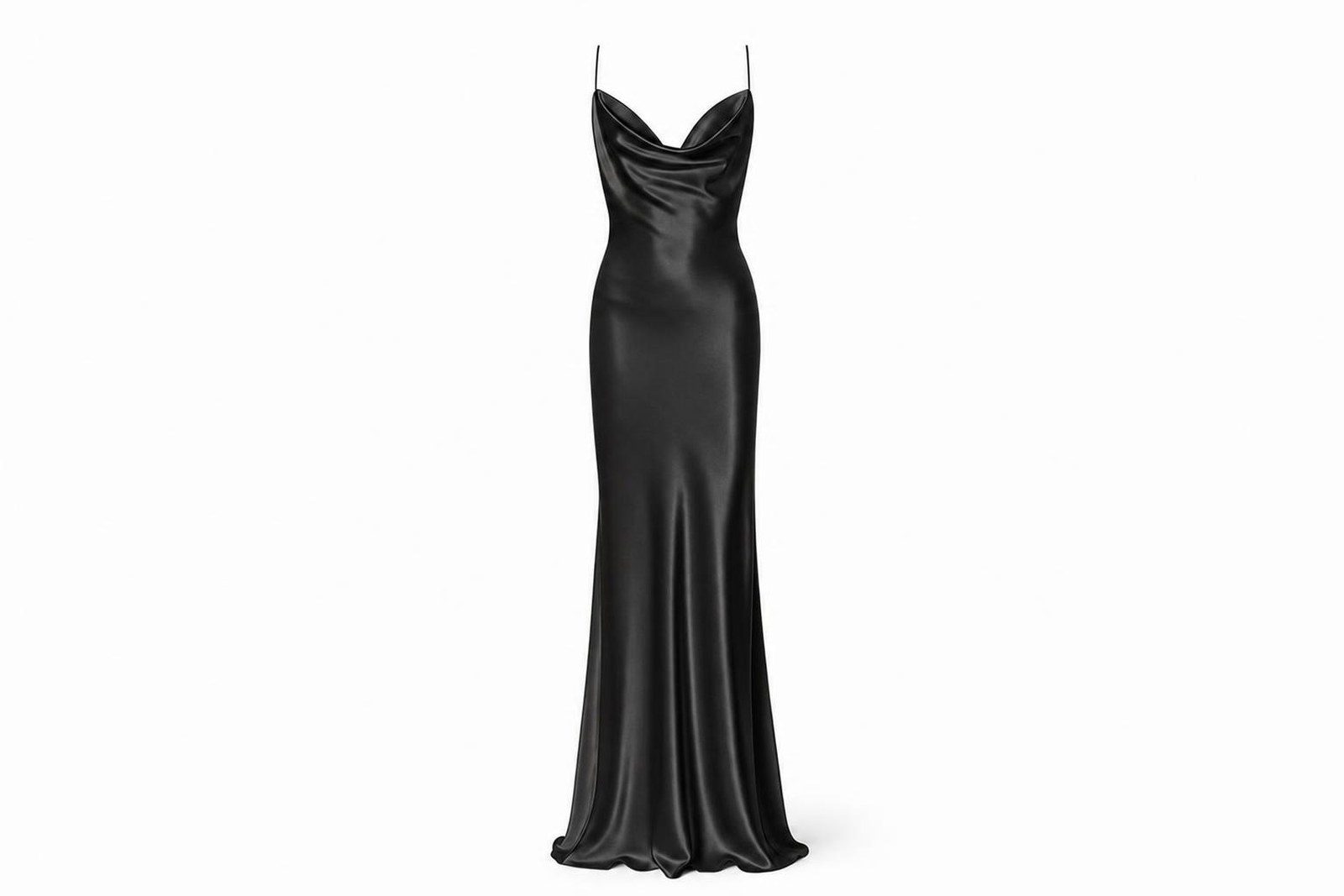



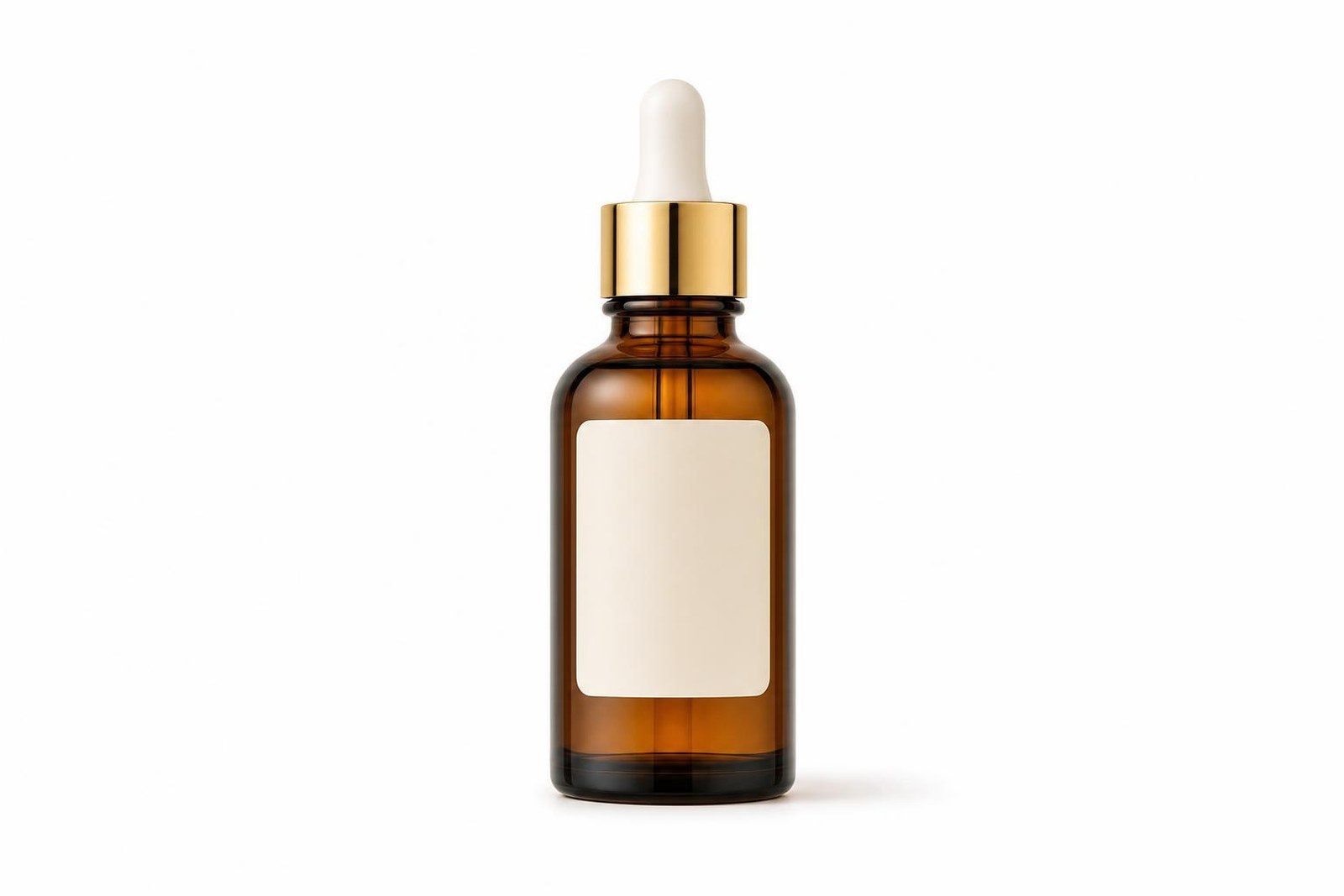 Original photo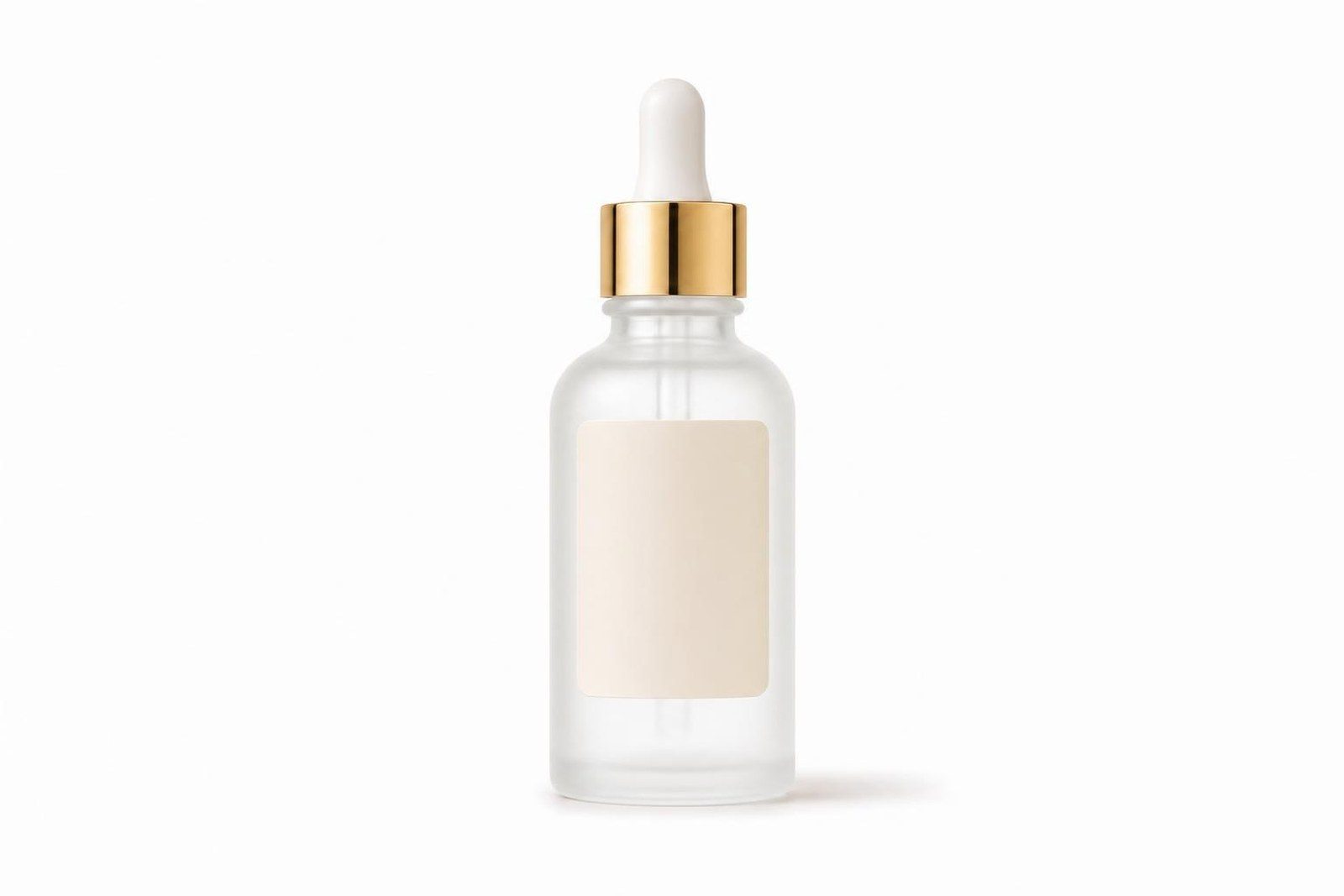
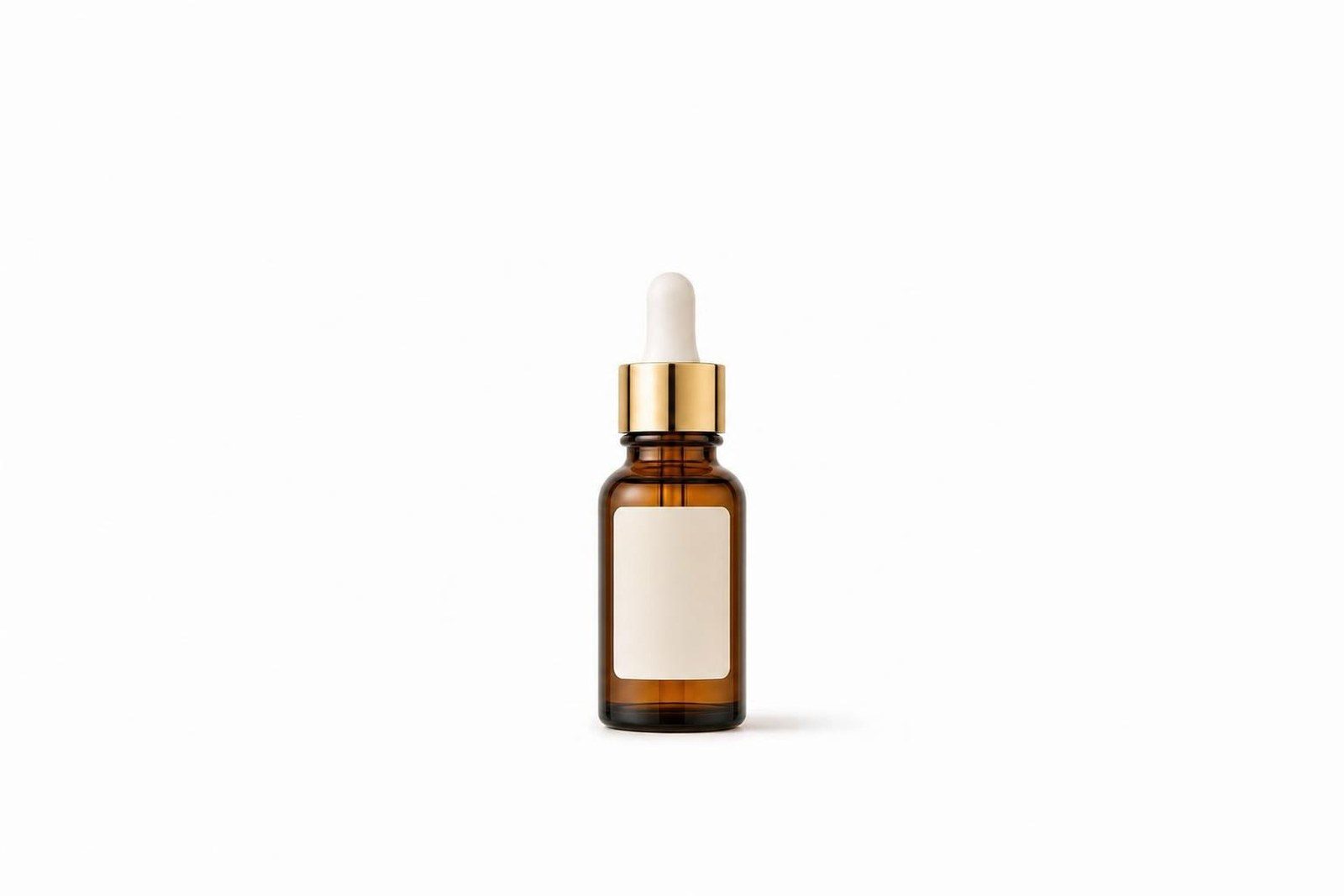
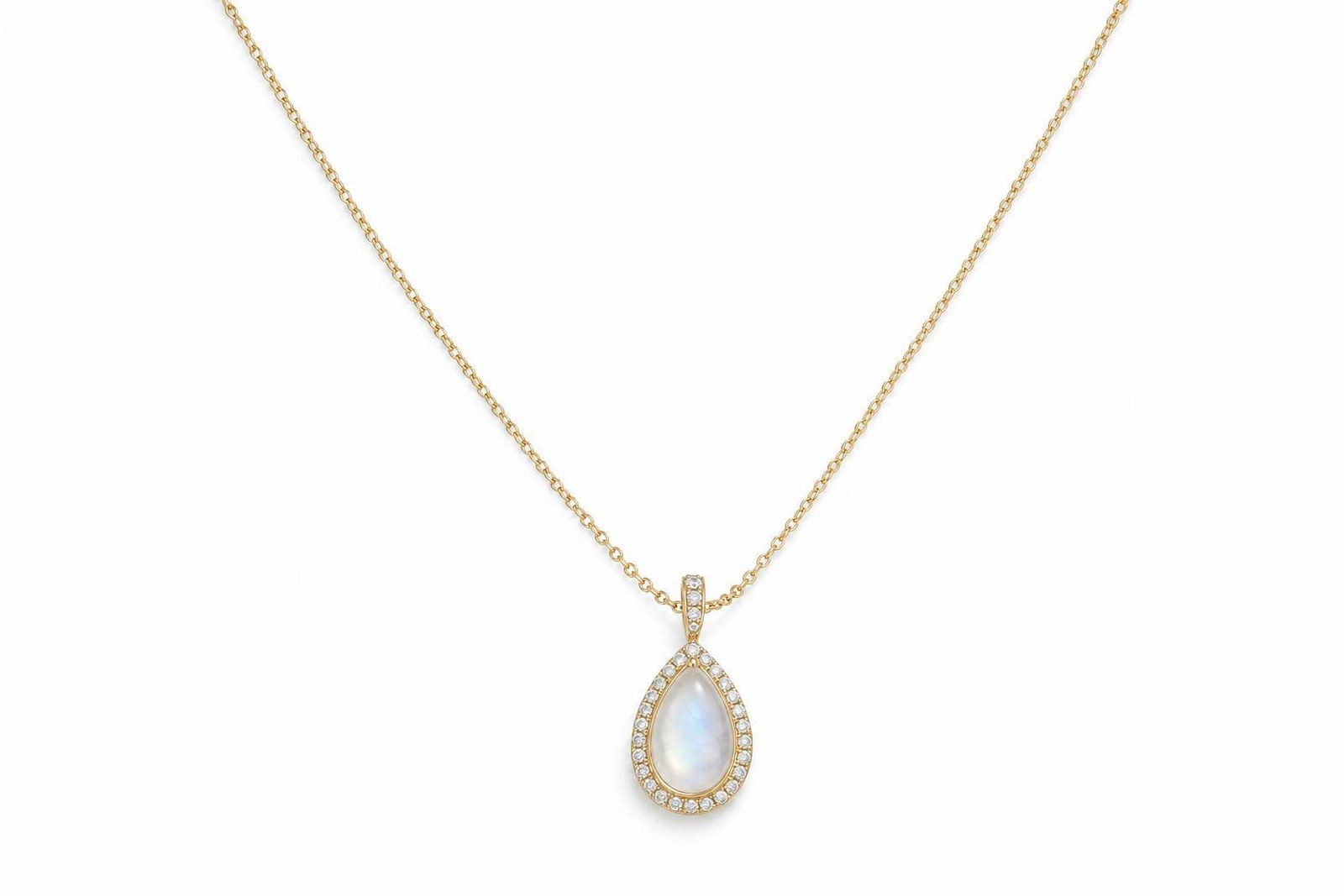 Original photo
Your pieces in a real room, at their real size.
Plan the room on a floor plan with your catalog sizes, place the pieces, then render it once.
WholesaleRoom scenes for every dealer, every season.
RetailA room like the shopper's, styled with what you carry.
Wholesale and retailRoom scenes for your own site and for every dealer.
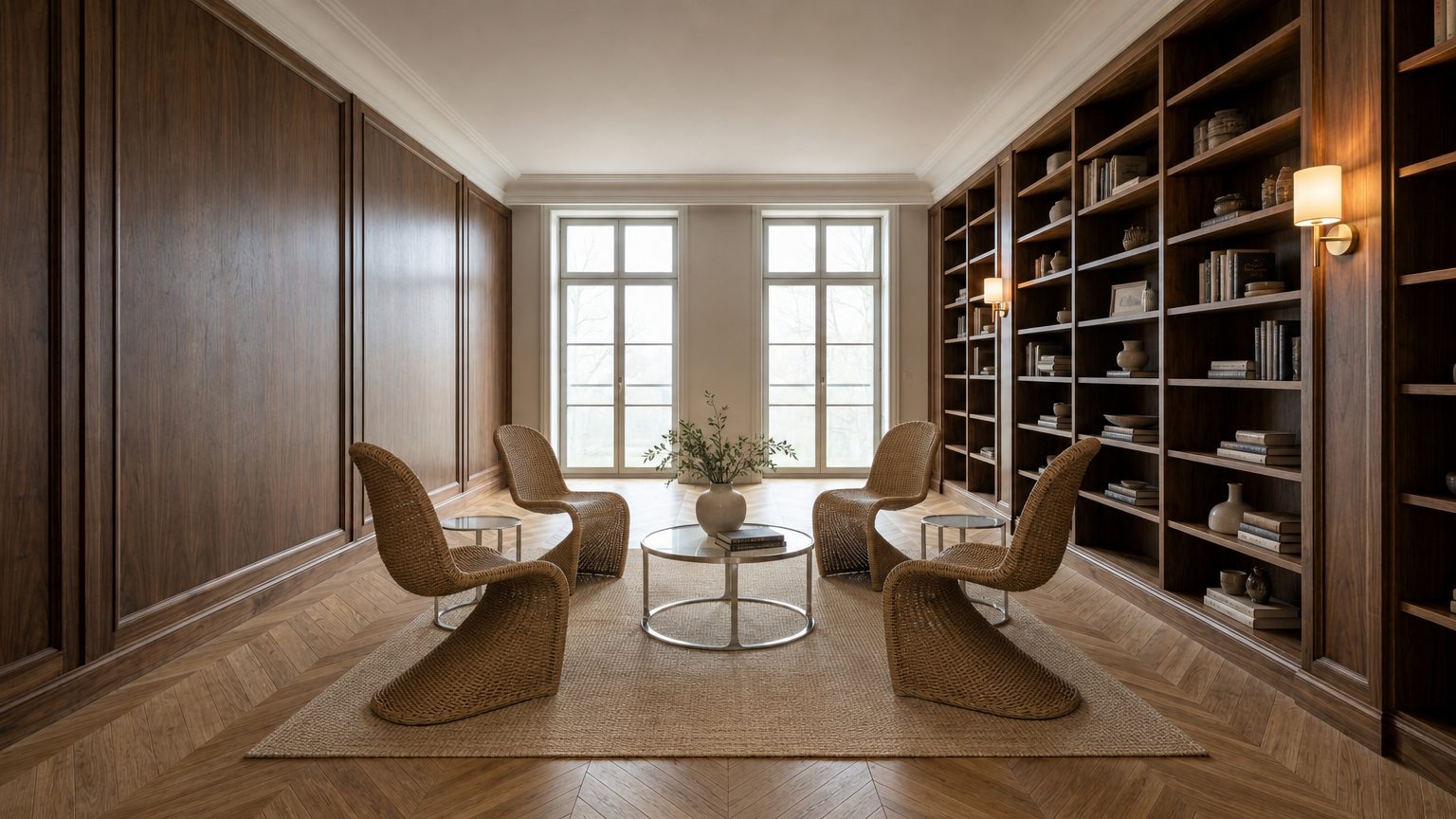
Your product in a scene that fits your brand.
Start from one product photo and pick the setting, the light and the mood. Studio makes several to choose from.Start from one product photo and pick the setting, the light and the mood. On-model and flat lay are coming to Studio next.
WholesaleScenes for your site and for every account that carries you.
RetailScenes for your product pages, your emails, your ads and your store.
Wholesale and retailScenes for your own channels and for every account that carries you.

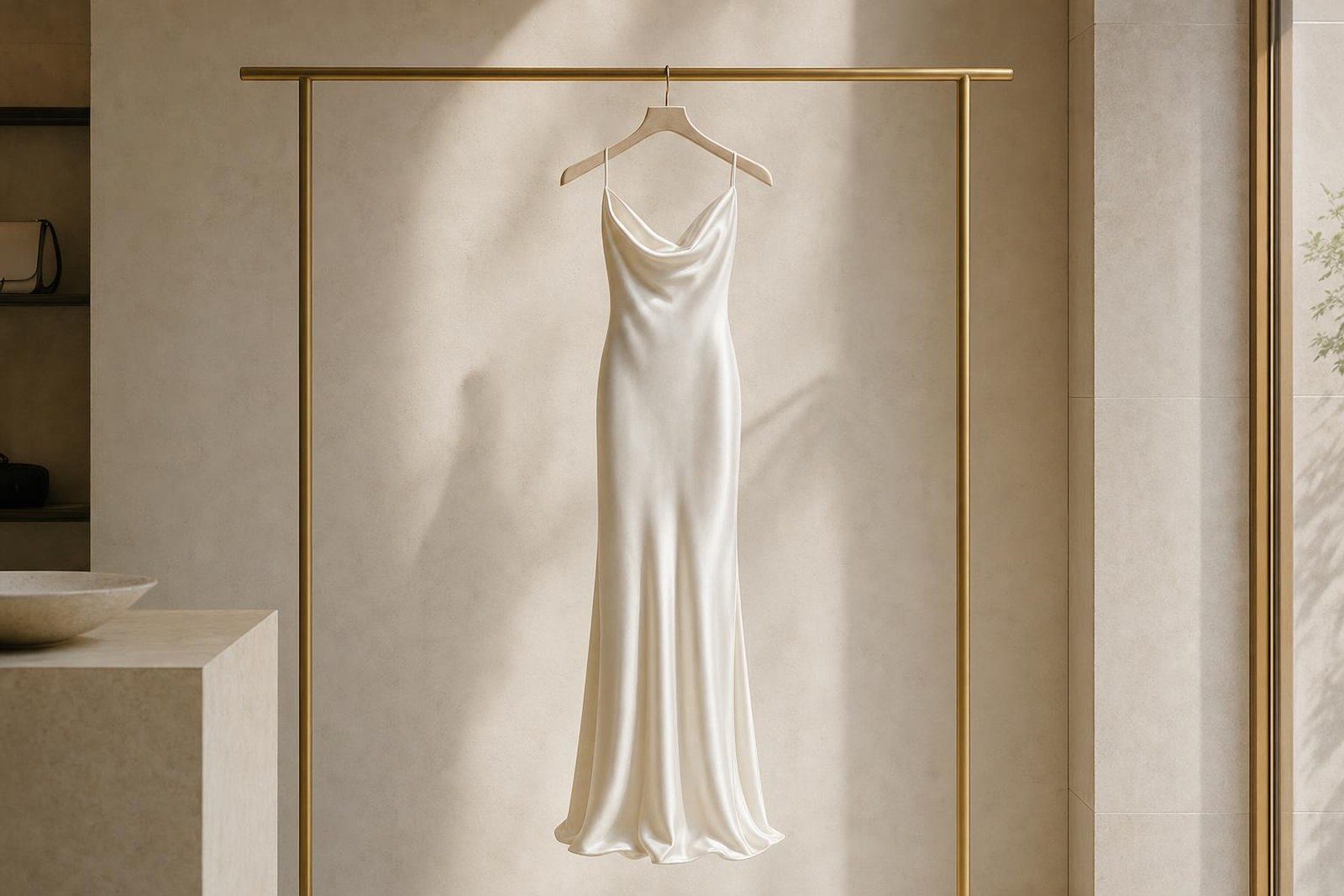

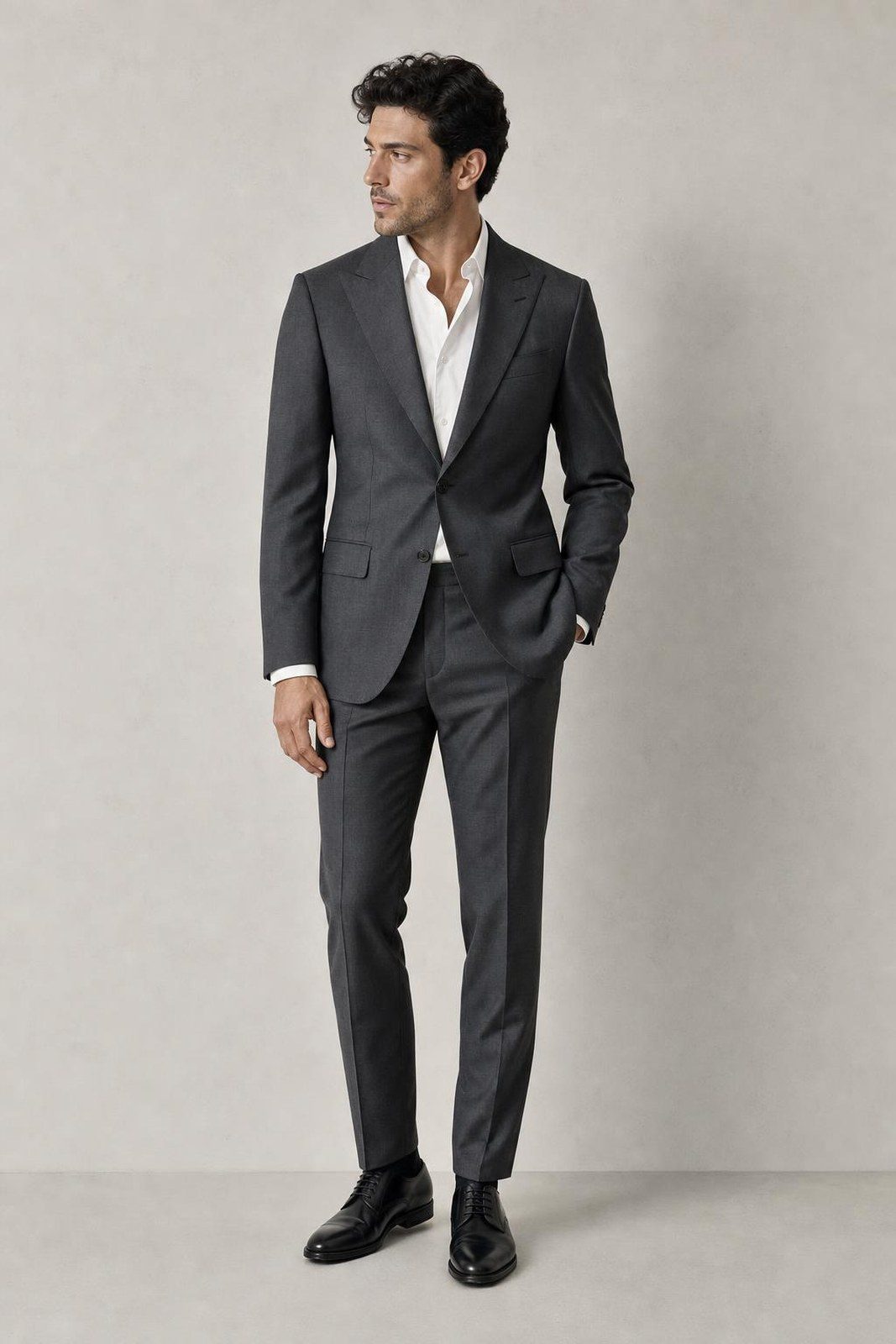


Video from the images you approved.
Turntables, detail shots, lifestyle clips and social ads in every size. Storyboard it, trim it, export it.
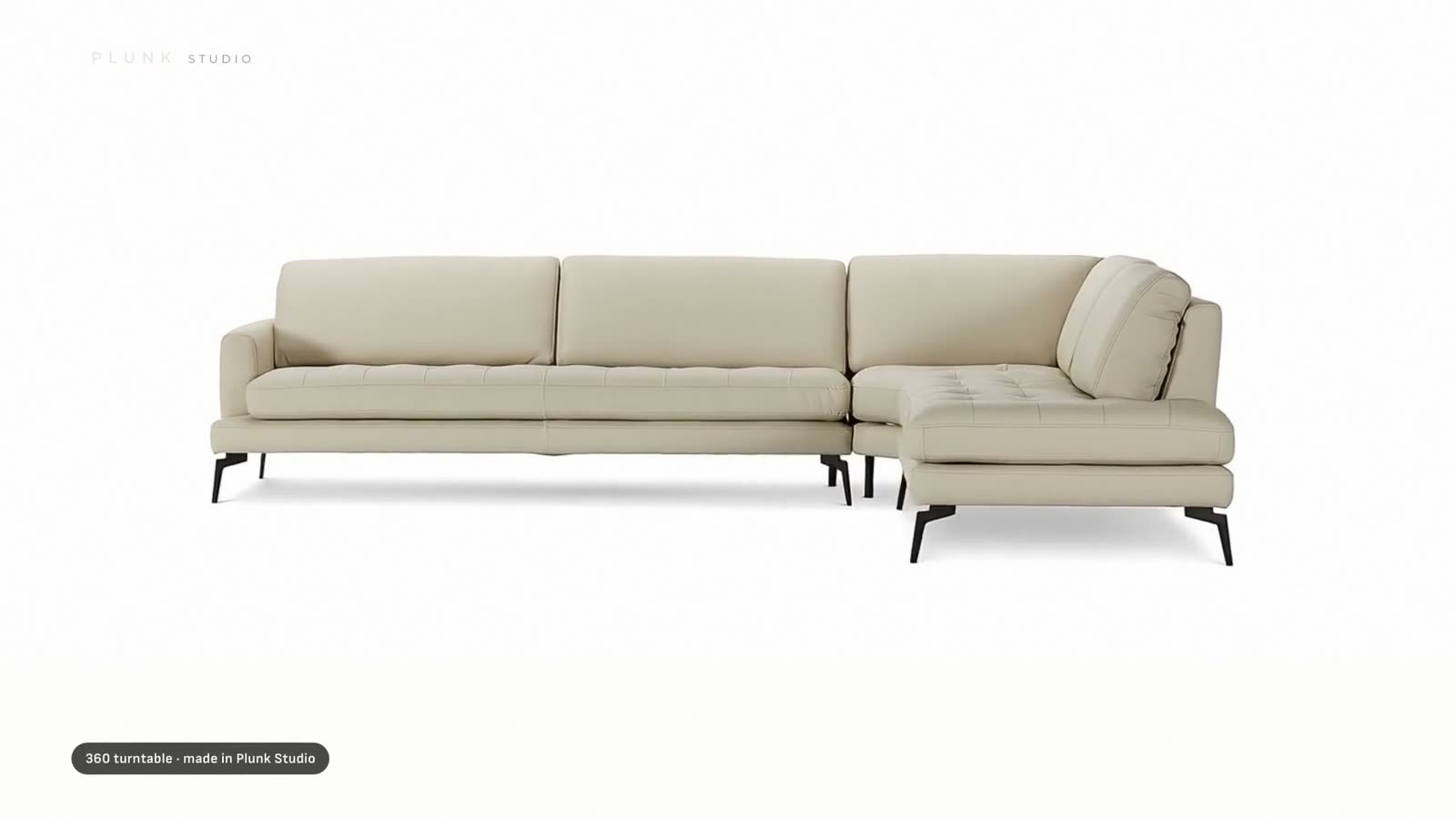
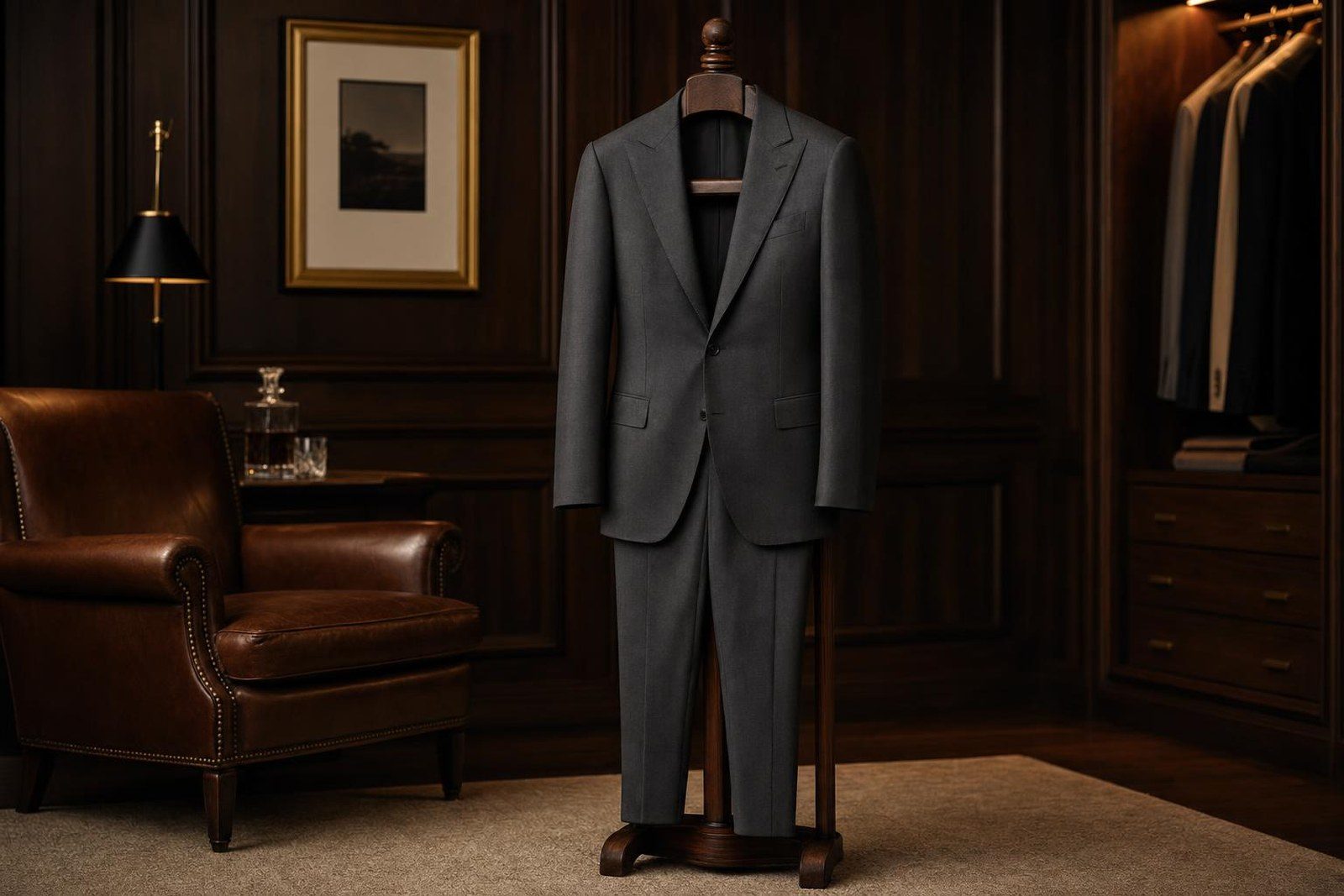
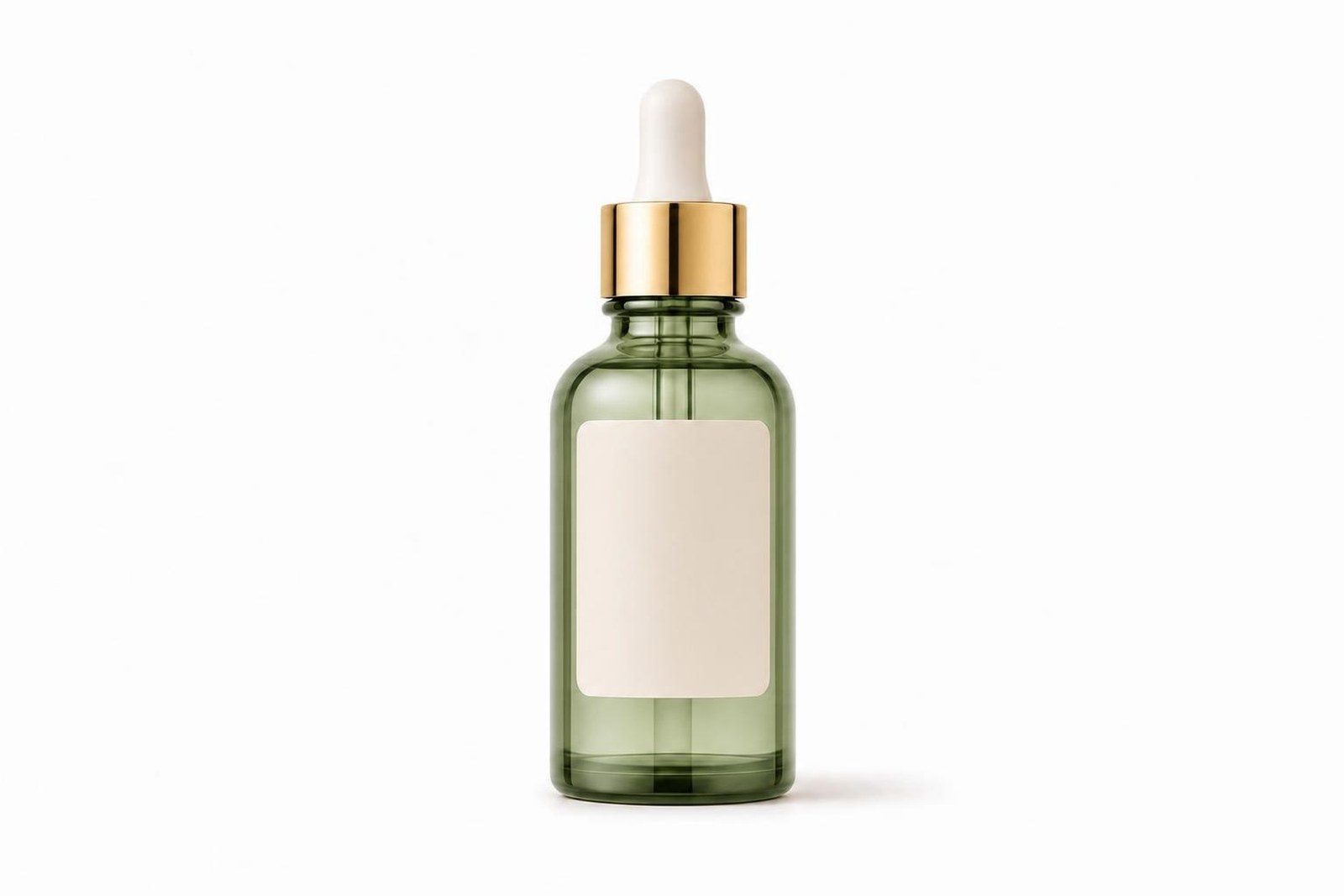

Nothing goes out until someone approves it.
Every result lands beside its original. Approve it, redo it or fix one area, then share picks on a branded board.
Interior designersSend the client one board link. You see when they open it, what they approve and what they want changed.
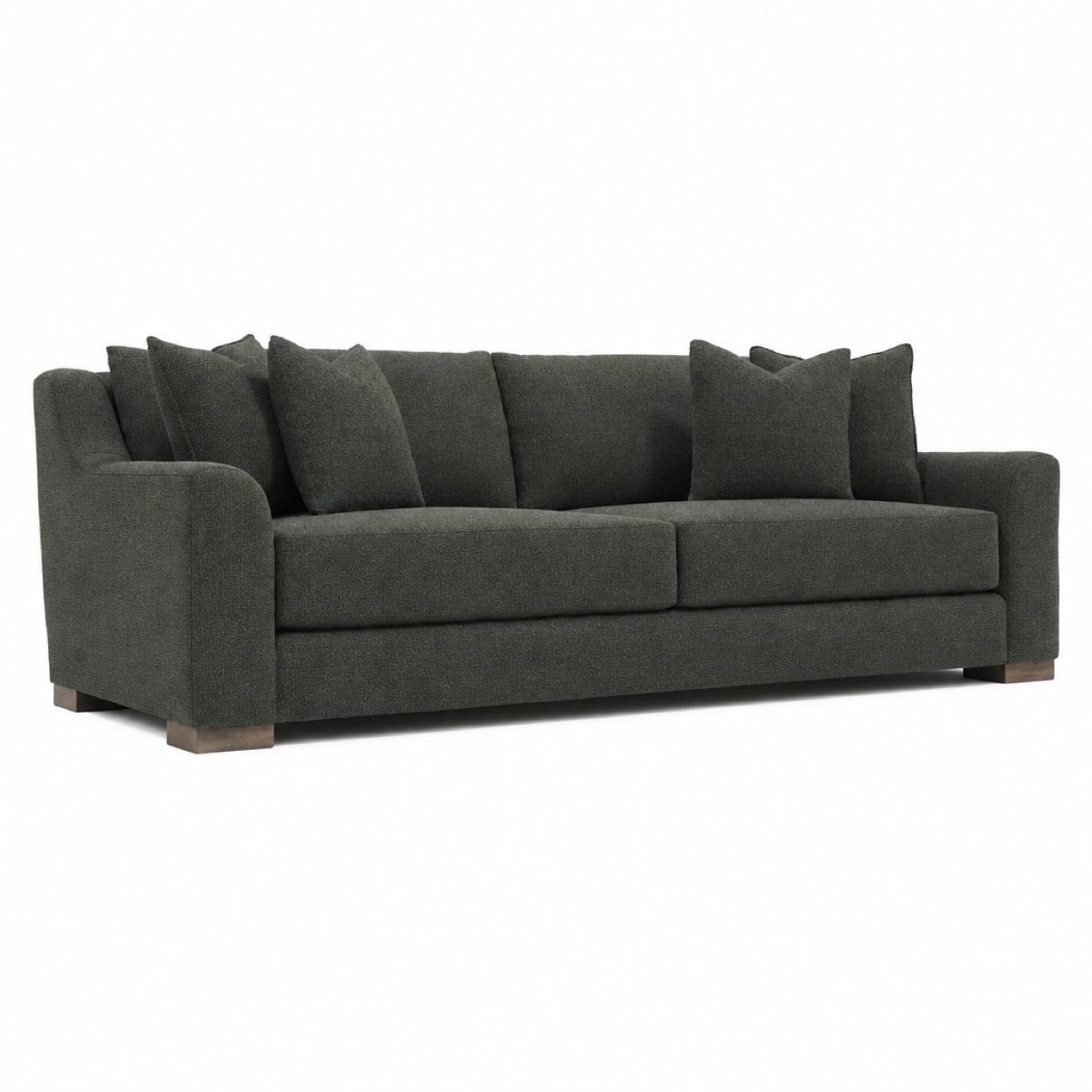

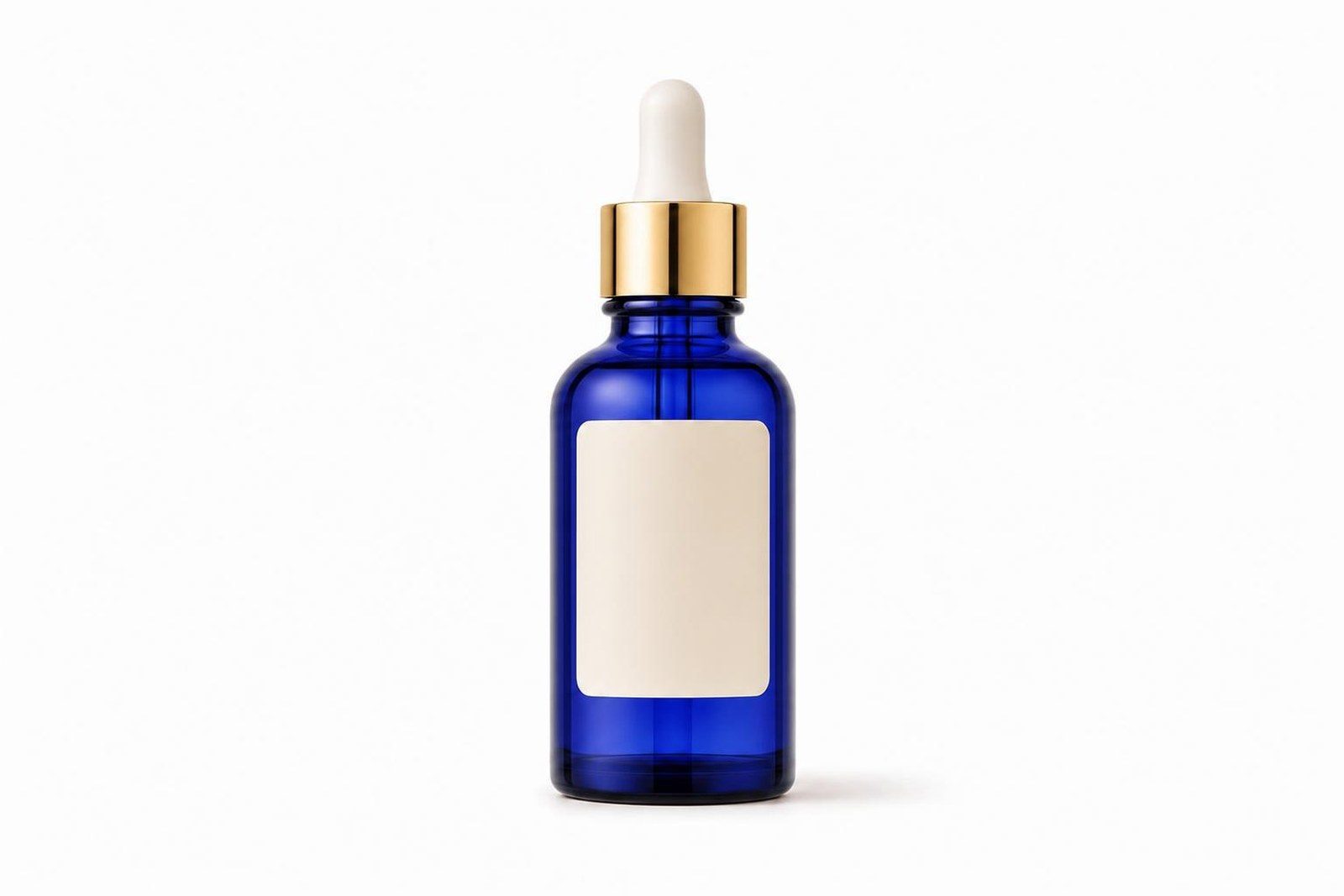
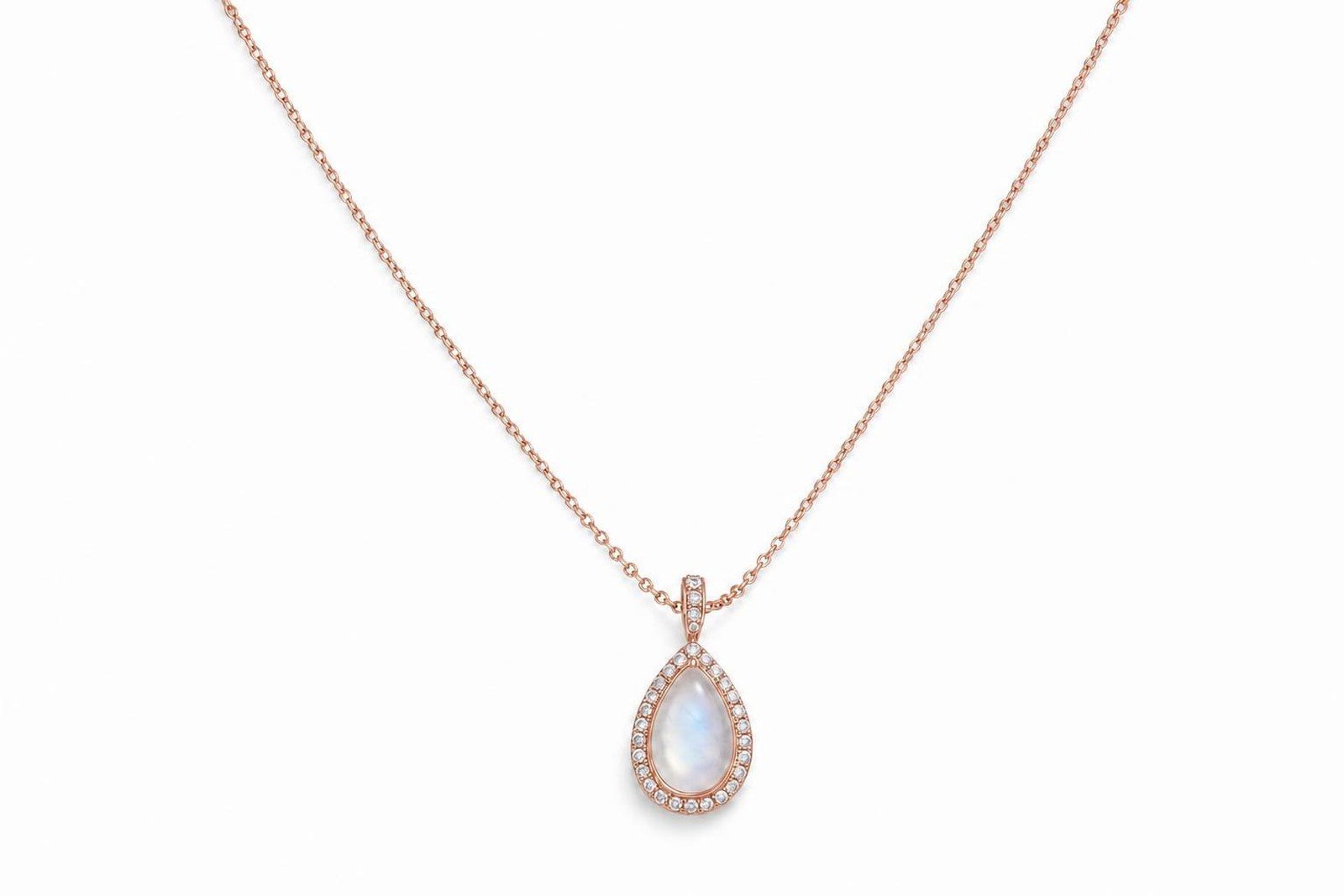
Let shoppers try every option themselves.
Every design a shopper saves comes back to you as a lead.
WholesalePut the same visualizer on every dealer's site.
RetailPut it on your product pages, and on a tablet on the sales floor.
Wholesale and retailOn your own site, every dealer's site and the sales floor.
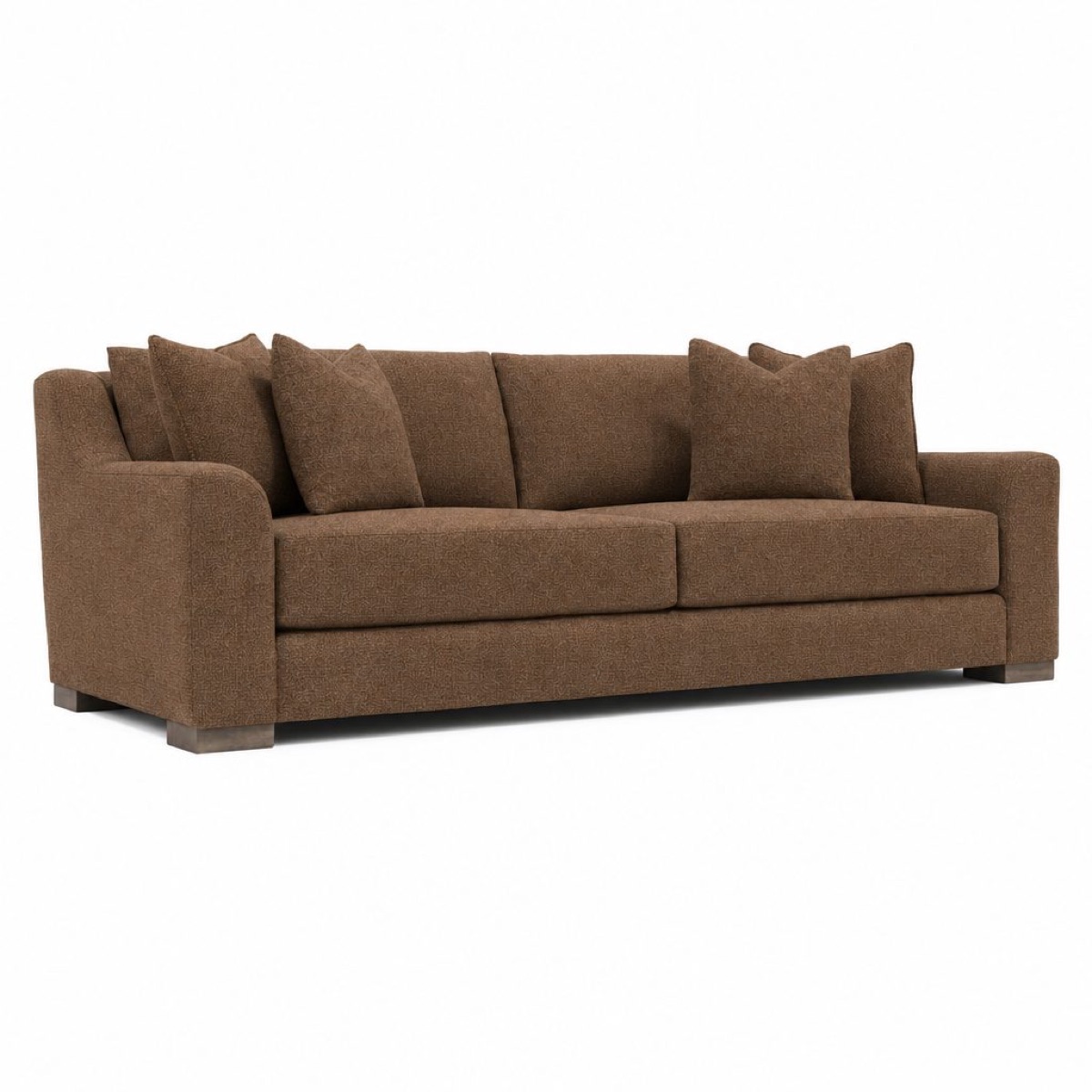
Approved pictures, straight to your product pages.
Approve a picture and it goes to the right product and variant on Shopify, with alt text written for it. Product video is coming next.
WholesaleFiles for every account that carries you, and your own site.
RetailEvery variant on your store gets its own picture.
Wholesale and retailYour own store, and files for every account that carries you.
Find any capability by the job it does.
Every capability, grouped by the job it does. Search for what you need, or pick a job.
Nothing matches. Try another word, or ask us.
Plunk Commerce shows which pictures sell.
Approved pictures land in the Content Hub library. Commerce follows each story, post and product page to the visits and sales behind it.
See Plunk CommerceApproved pictures go where they are needed.
For any product you sell from a catalog: home and furniture, fashion, beauty, jewelry and more.
Approve a picture and it is on your product page.
Images, variants and alt text go straight to Shopify, and video follows.
Content Hub library
Every approved picture and video, ready for any channel.
Files and storage
Zips, S3, SFTP, Dropbox or your own asset library.
Studio API
Jobs, results and boards from your own code.
One credit pool
Every app draws from the same credits. Runs wait, never fail, when credits run out.
See your own products in Studio.
Tell us which products you would like to see, and we will show them to you in Studio.
Talk to us
Tell us what you sell and what you would like to see, and pick a good time. Prefer the phone? Call 1.800.676.9596.
Talk to us