Everything between the idea and the yes.
Design · Visualize · Specify · Present · Approve
One Studio built for the way designers work. Their sofa, their fabric, their room, on a page with your name on it. The client says yes faster because they can see it.
From the floor plan to the yes.
The client's room, their pieces in their fabric, the room styled and on video, then one link to approve. Every picture is checked by you before the client sees it.
Pick a step to jump to it.
Lay out the client's room, then see it rendered.
Draw the room on a floor plan, place pieces from the catalog at their real size, then render the room once as a photo-real scene.
Check the fit before the presentation, not after the delivery.
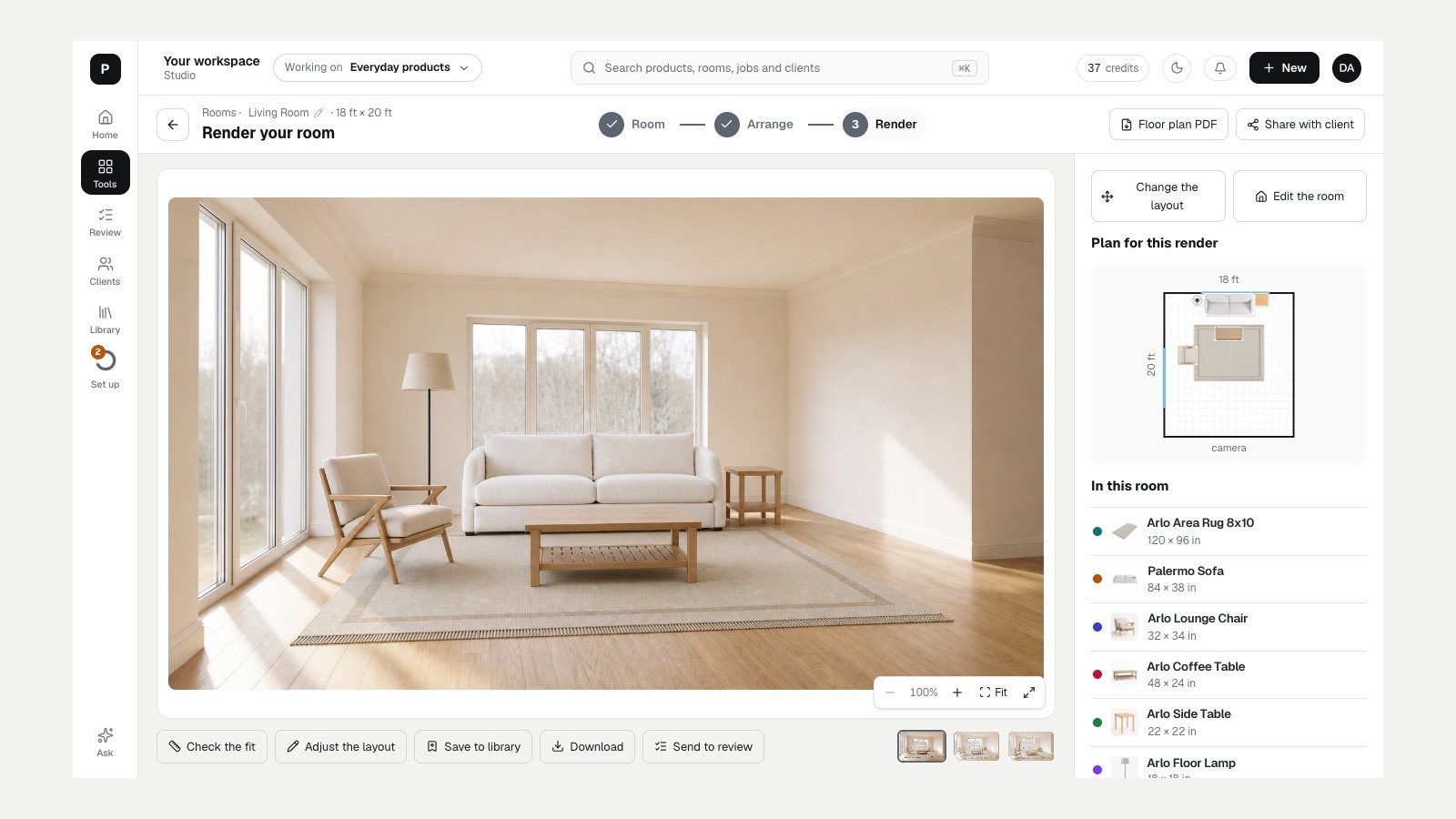
Every tool in your Studio.
The Designer plan includes every one of these. Credits cover the renders; the tools themselves are all yours.
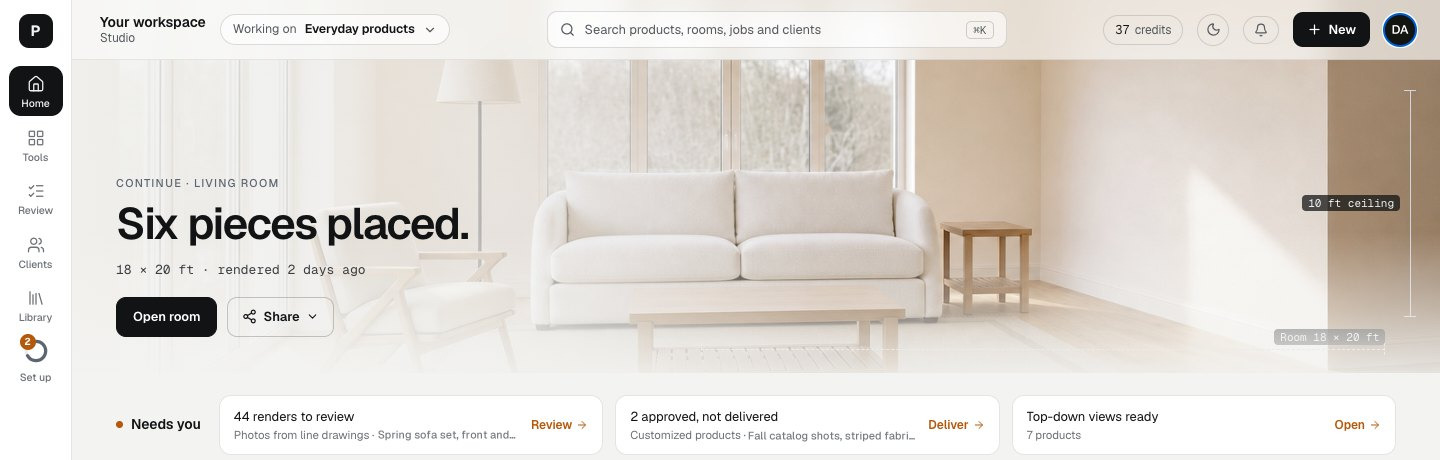
Rooms
Draw a room to size, place your products, then render it.
Customize
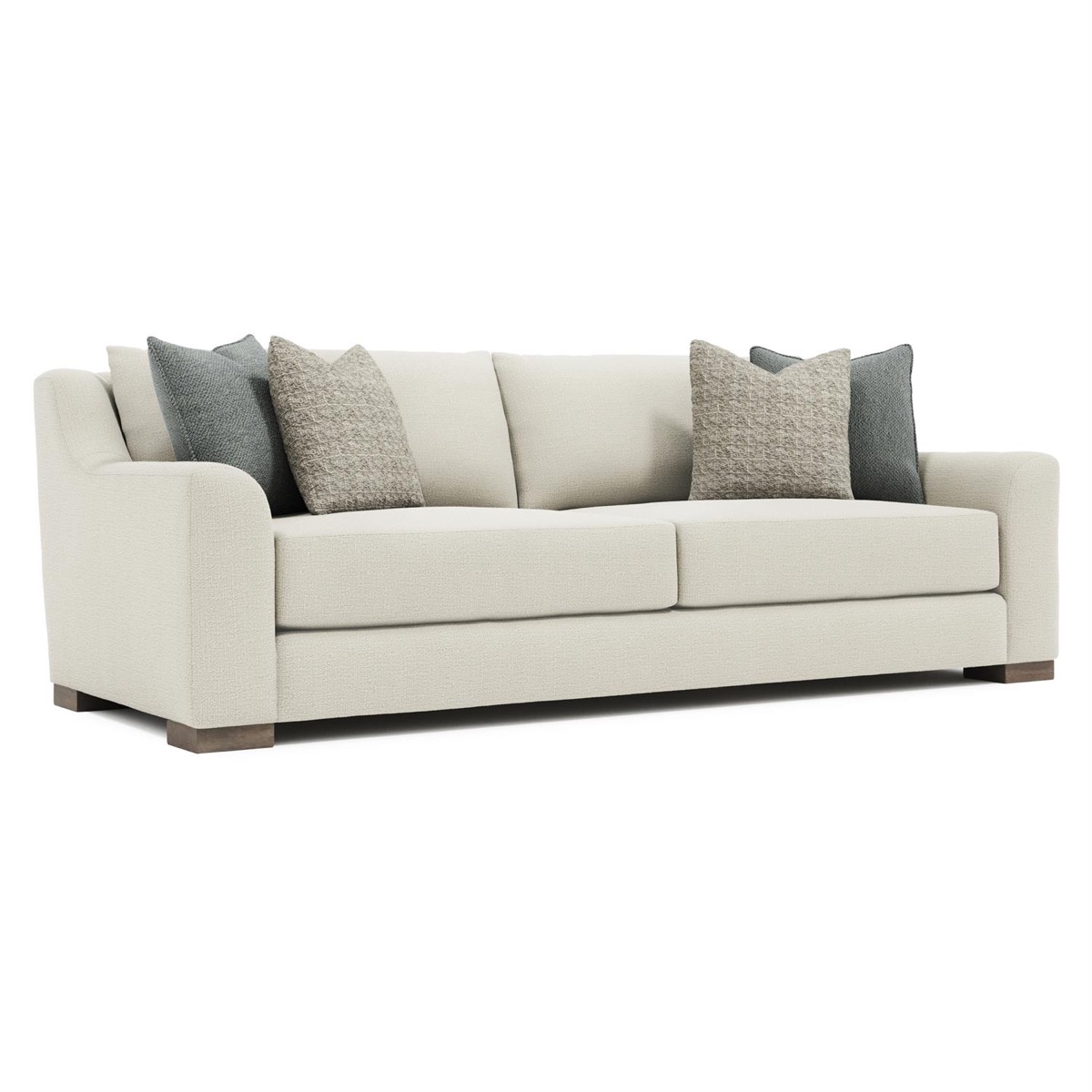
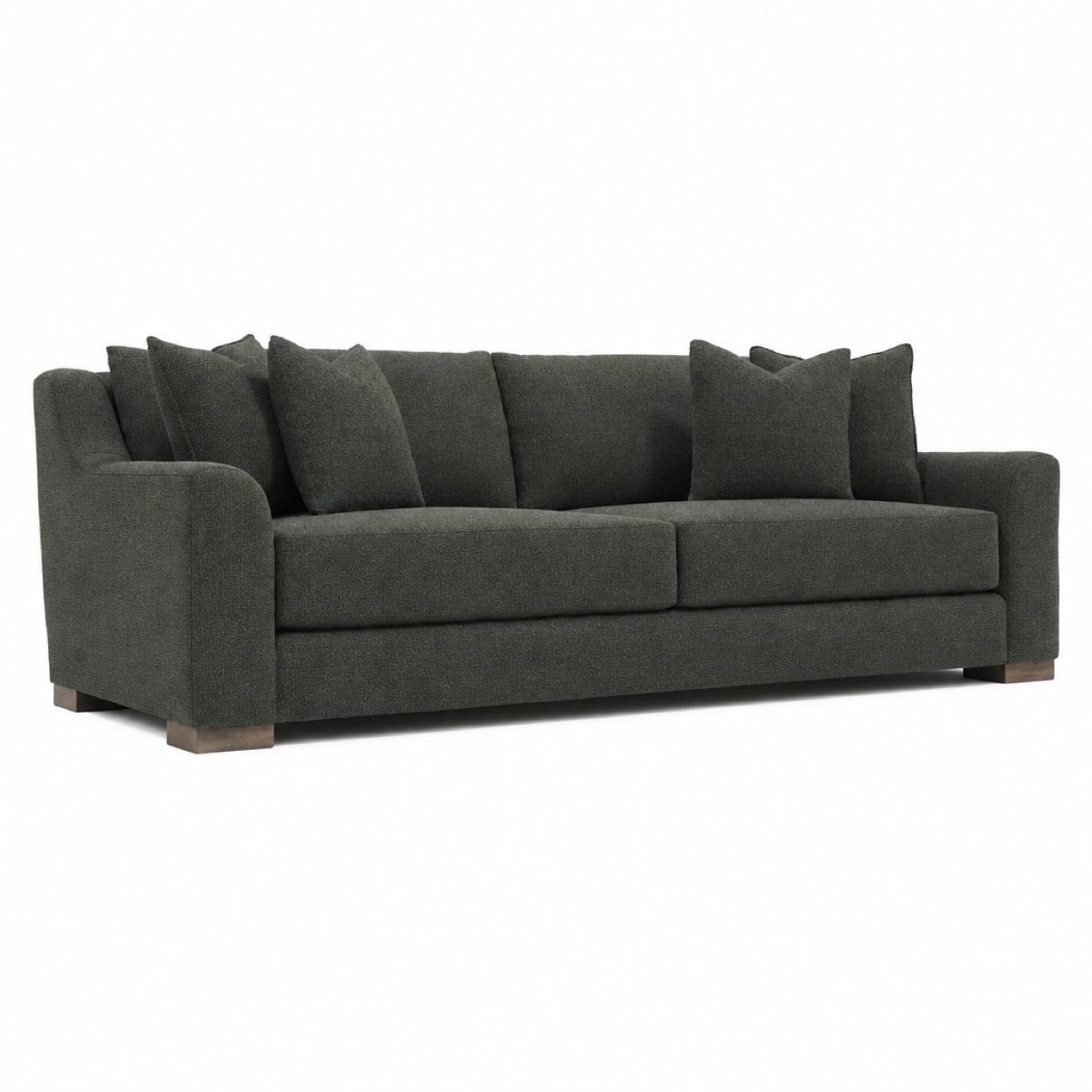
Fabrics, finishes and options in one place, on one product or many.
Lifestyle scenes
Your piece in a real room, true to size.
Photos from drawings
Turn line drawings into finished product photos, series by series.
Product Design
Sketch a new piece, then see it rendered in real materials.
Product video
Short, accurate videos of your products: turntable, details, lifestyle, promos.
Video
Make one video from your products, your library or your uploads.
Marketplace image sets
Every image Amazon, Google, Shopify, Walmart and Etsy ask for, in the right size and background.
Review
Approve or redo renders from any of your jobs, one at a time.
Clients
One board per client project: what they saw and what they approved.
One link the client can say yes to.
Every picture lands beside its original first, so nothing reaches the client until you approve it. Then share your picks on a board under your name.
You see when the client opens it, what they approve and what they want changed. A change request comes with a note, and the redo starts from it.
Find any capability by the job it does.
Every capability, grouped by the job it does. Search for what you need, or pick a job.
Nothing matches. Try another word, or ask us.
A plan for solo designers and studios.
Every plan includes every Studio app. Credits cover the renders; boards, sharing and review are included.
$24 a month · 200 credits a month
Price and credits come from the live billing catalog. Growing studio? Studio Brand adds seats, hand-offs and unlimited share links.
- Room Planner and room scenes
- Customize: fabrics, leathers and finishes
- Review queue and client boards
- Style kits for your look
See your next project in Studio.
Tell us about a room you are working on. We will show it to you in Studio, from the floor plan to the board the client approves.
Talk to us
Tell us about the project and what you would like to see, and pick a good time. Prefer the phone? Call 1.800.676.9596.
Talk to us